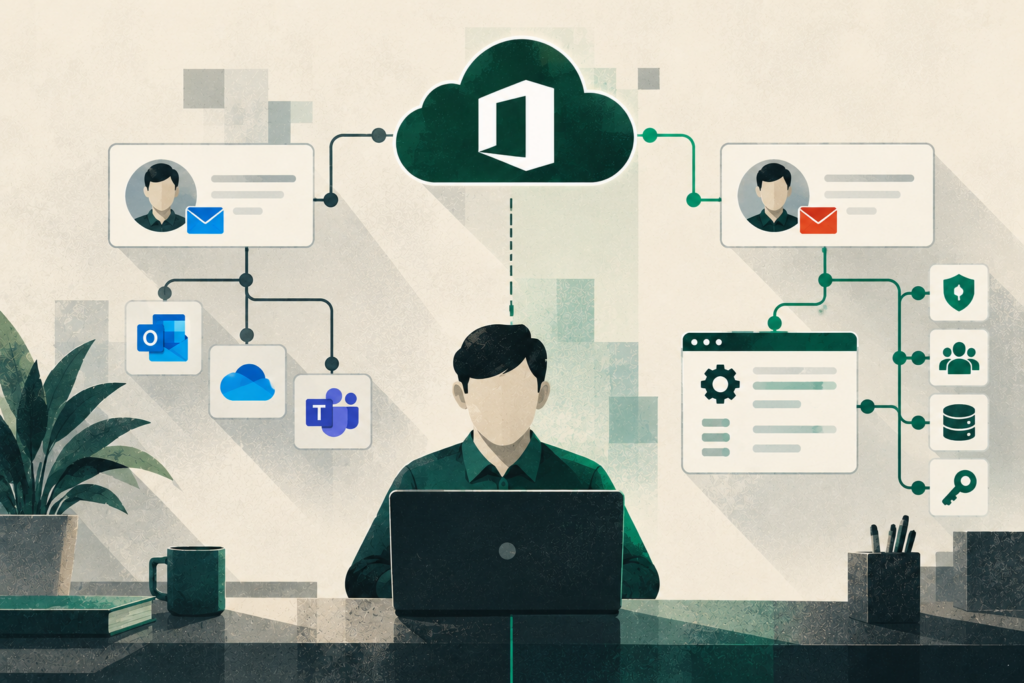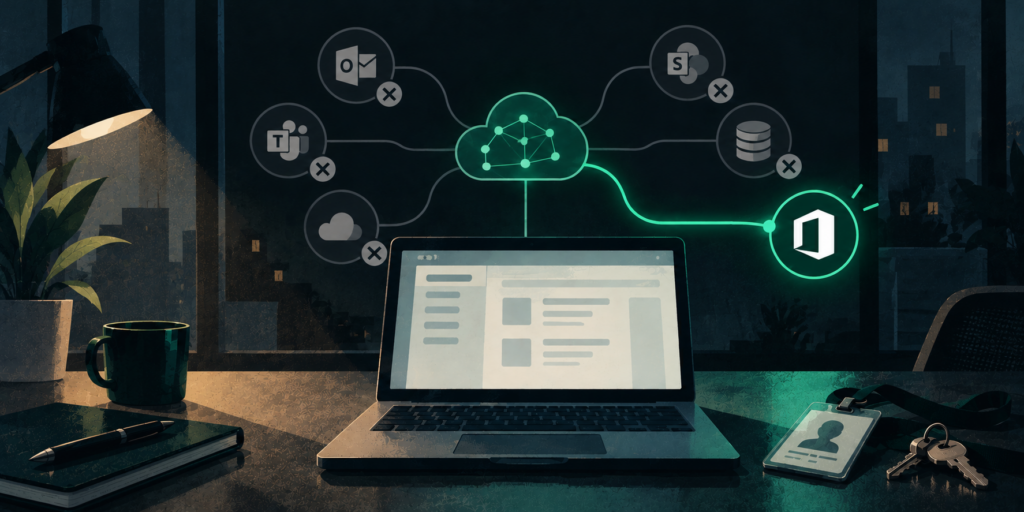
AI Meeting Notes Create a Records Problem, Not Just a Productivity Opportunity
AI meeting notes can solve a familiar problem for law firms, healthcare practices, nonprofits, and professional service organizations: people need to participate in meetings without spending the entire conversation typing notes.
But there is a second question that deserves just as much attention.
What happens to all of the information the AI creates after the meeting ends?
A recorded or transcribed conversation can produce a recording, transcript, summary, recommended tasks, and other meeting artifacts. In Microsoft Teams, recordings and transcripts can be stored in OneDrive or SharePoint, depending on the meeting type.
For a 20-person professional office in Eugene or Springfield, that turns a convenient meeting feature into a records-management issue. Leadership needs to understand what is being captured, where it is stored, who can see it, how long it remains available, and which conversations should be captured in the first place.
The opportunity is real. So is the need for governance.
Key Takeaways
- AI meeting notes should be governed as business information, not treated as a disposable productivity feature.
- A single meeting can generate multiple artifacts, including recordings, transcripts, AI summaries, and follow-up tasks.
- In Microsoft Teams, storage location and access depend partly on the type of meeting and the organization’s configuration.
- Retention deserves an intentional decision. Microsoft provides policies for automatically expiring Teams recordings and transcripts.
- Law firms, healthcare practices, nonprofits, and other professional organizations should define approved tools, appropriate meeting types, permissions, retention expectations, and ownership before meeting capture becomes routine.
What Does an AI Meeting Assistant Actually Capture?
The answer depends on the product and configuration, but leaders should assume meeting capture may create more than a short set of notes.
Microsoft Teams, for example, supports both recording and transcription. Recording can capture audio, video, and screen-sharing activity, while transcription converts spoken dialogue into written text. Microsoft also offers intelligent recap capabilities that use AI to help users review meetings.
Copilot adds another layer. Microsoft describes Copilot in Teams as being able to capture important conversation points and recommend follow-up tasks during meetings.
That changes the records conversation.
The meeting itself may have lasted an hour, but its information can persist afterward in several useful forms. Those artifacts may document:
- Client matters
- Patient or administrative discussions
- Employee conversations
- Internal operational decisions
- Financial or strategic discussions
- Assignments and follow-up responsibilities
Not all of those categories carry the same sensitivity.
The leadership question therefore should not be,“Should we use AI meeting notes?”
A better question is,“Which meetings should create persistent information, and what should happen to that information afterward?”
That distinction turns meeting AI from an application decision into a governance decision.
Where Do Microsoft Teams Meeting Notes and Transcripts Live?
For Teams meetings that are recorded or transcribed, Microsoft says the resulting recordings and transcripts are stored in OneDrive for work or school or SharePoint. For regular meetings and events, recordings save to the organizer’s OneDrive. Channel meeting recordings are stored in the associated SharePoint site.
That detail matters because storage determines governance.
If leadership assumes an AI summary simply disappears when the Teams window closes, it may never ask the questions it routinely asks about other business files:
- Who is permitted to access this?
- Can it be shared?
- Is it searchable?
- How long should we keep it?
- What happens when an employee leaves?
- Does this contain confidential or regulated information?
Microsoft states that Purview, OneDrive file storage, and access permissions apply to meeting recording files, and that Microsoft 365 Search indexes recordings.
In other words, meeting content should be considered part of the organization’s wider Microsoft 365 information environment rather than an isolated Teams feature.
That is particularly important for organizations already using Microsoft 365 as a primary document platform.
Who Can Access AI Meeting Records?
Permissions deserve deliberate review because convenience and confidentiality are not always trying to accomplish the same thing.
Microsoft provides controls around who can record and transcribe meetings and, with applicable licensing and configuration, who has access to recordings and transcripts. It also supports administrative policies and meeting settings that affect recording, transcription, and Copilot use.
For leadership, the technology settings are only half the issue.
The organization still needs a business rule.
A managing partner may reasonably want detailed notes from a client strategy meeting without wanting the resulting artifact treated the same way as the notes from a general staff meeting. A healthcare practice may want AI assistance for internal administrative meetings but need greater scrutiny whenever protected health information could enter the conversation.
A nonprofit may have comparatively ordinary weekly meetings and highly sensitive conversations involving employees, donors, clients, or board matters.
The system needs to support those distinctions, and staff need to understand them.
A useful principle is that permission to use a tool is not automatically permission to use it for every meeting.
Retention Is Where a Productivity Feature Becomes a Records Policy
Retention is one of the easiest parts of meeting AI to overlook.
Microsoft Teams includes a policy that can automatically expire recordings and transcripts. Microsoft currently documents a default expiration setting of 120 days, while administrators can change the policy for newly created recordings and transcripts.
The correct retention period for a particular organization is not something Microsoft can decide on the organization’s behalf.
That decision should reflect the organization’s legal, regulatory, contractual, operational, and records-management requirements.
Keeping everything indefinitely can create unnecessary stores of sensitive information. Deleting everything immediately can eliminate business context that was captured for a legitimate reason.
The better approach is intentional classification.
Leadership should determine which categories of meetings warrant persistent records and which do not. That discussion may need input from IT, legal counsel, compliance personnel, HR, and operational leadership depending on the organization.
What About Meetings Where You Want AI but Not a Permanent Transcript?
This is an especially useful governance question.
Microsoft now documents an intelligent recap option for scheduled Teams meetings that can generate an AI summary without saving a recording or persistent transcript. In that scenario, the AI summary itself is stored as a read-only Word document in the organizer’s OneDrive, and administrators can manage how long those summary documents are retained.
Copilot also supports an “Only during the meeting” option that uses speech-to-text processing without saving that speech-to-text data after the meeting ends. Microsoft cautions that Copilot prompts and responses can still be retained for compliance purposes depending on Microsoft Purview retention policies.
That illustrates an important point:“We did not record the meeting” does not necessarily mean “no business information was created.”
The output itself still needs governance.
Law Firms Have an Additional Confidentiality Question
For Oregon law firms, meeting AI should fit into the firm’s wider AI governance rather than operate as a separate experiment.
The Oregon State Bar’s Formal Opinion 2025-205 says lawyers using AI must understand the benefits and risks associated with the particular technology. It specifically calls for understanding how AI stores information, conducting due diligence on AI vendors, providing appropriate training, and taking reasonable measures to protect client confidentiality.
Applied to meeting capture, those principles make practical questions about storage and access professionally important.
A firm evaluating an AI notetaker should understand what happens to client information after the call rather than simply deciding whether the summary is accurate.
The meeting-notes issue is narrower and operational: what records does routine meeting capture create, and how should the organization control them?
Healthcare Practices Need to Know Who Is Handling PHI
Healthcare practices have a similar issue with a different regulatory foundation.
HHS explains that a business associate generally includes a person or organization performing certain functions or services for a covered entity that involve creating, receiving, maintaining, or transmitting protected health information. HHS also states that covered entities may disclose PHI to business associates when the appropriate contractual assurances, generally through a business associate agreement, are in place.
That makes vendor selection a governance issue whenever an AI meeting service may handle PHI.
Before staff introduce a meeting assistant into patient-related, clinical, or sensitive administrative conversations, the organization should know what service is processing the information and whether its use fits the organization’s HIPAA obligations.
HHS guidance for remote communication technology similarly instructs covered healthcare providers and plans to use technology vendors that comply with HIPAA requirements and enter into appropriate business associate agreements when required.
The practical message for a practice manager is simple:
Do not let the convenience of automatic notes bypass normal vendor and data-handling review.
Five Questions Leaders Should Answer Before Standardizing AI Meeting Notes
AI meeting governance does not have to become a massive policy project.
For many organizations, five questions provide a strong starting framework.
1. What tools are approved?
Identify the meeting platforms, AI assistants, transcription services, and plugins employees may use for business conversations.
We recommend defined ownership, approved use cases, and data-handling expectations rather than unmanaged employee experimentation.
2. What meetings can be captured?
A routine project update and a confidential employee conversation should not automatically be treated identically.
Create recognizable categories so employees do not have to invent the rule while the meeting is starting.
3. Where do the resulting records live?
Document the expected location for recordings, transcripts, summaries, and final meeting notes.
If multiple systems are being used, understand each one rather than assuming all meeting AI behaves like Microsoft Teams.
4. Who can access and share them?
Review system permissions and establish the business expectation behind those permissions.
The goal is not merely to know whether someone can open something. It is to decide whether they should.
5. How long should the information remain?
Align deletion or retention with the purpose of the meeting and the organization’s applicable requirements rather than keeping everything by default.
IT can implement technical controls, but leadership, counsel, compliance, HR, or records owners may need to determine the underlying policy.
The Leadership Blind Spot: Better Documentation Creates More Information to Govern
The biggest hidden issue with AI meeting notes is that the technology can succeed at exactly what it was purchased to do.
It can make documenting conversations dramatically easier.
That means organizations that previously had inconsistent meeting notes may suddenly create structured meeting information every day.
Better documentation can improve continuity, accountability, institutional knowledge, and follow-through. ETG’s own internal approach recognizes this upside. ETG materials describe the use of approved transcription tools and Microsoft Copilot to transcribe meetings, generate structured summaries, identify action items, capture decisions, and preserve searchable context, while keeping the meeting owner responsible for reviewing output.
But the more successful meeting capture becomes, the more important its lifecycle becomes.
That is the governance paradox: the productivity benefit creates the records-management responsibility.
A Practical Next Step for Eugene and Springfield Organizations
Organizations across Eugene, Springfield, and the broader Willamette Valley do not need to abandon AI meeting notes. They need to make sure adoption is intentional.
Start by inventorying the tools already being used. Then review:
- Which meetings are being captured
- Which artifacts are created
- Where those artifacts are stored
- Who receives access
- What retention controls apply
- Whether sensitive meeting categories require different rules
- Whether existing acceptable-use and records policies actually address AI-generated meeting content
Emerald Technology Group helps organizations evaluate these questions as part of Microsoft 365 services, AI strategy and governance, cybersecurity, and strategic IT planning.
For organizations already using Teams and Microsoft 365, a practical review can start with the existing environment rather than another software purchase: meeting policies, Copilot settings, OneDrive and SharePoint permissions, retention, approved tools, and employee expectations.
The goal is not to make meetings harder.
It is to make sure that better notes do not quietly become unmanaged records.
If your organization is already using AI meeting notes but is not sure what is being retained or who can access it, that is a useful place to begin an AI and Microsoft 365 governance conversation with Emerald.
Frequently Asked Questions
Are AI meeting notes business records?
They can become part of an organization’s business information and should be managed accordingly. Whether a particular artifact constitutes a formal record for legal, regulatory, or records-retention purposes depends on the organization’s circumstances and applicable requirements.
Where are Microsoft Teams recordings and transcripts stored?
Microsoft says Teams recordings and transcripts are stored in OneDrive or SharePoint depending on the meeting type. For meetings and events, recordings generally save to the organizer’s OneDrive; channel meetings use the associated SharePoint site.
Can Microsoft Teams automatically delete old recordings and transcripts?
Yes. Microsoft provides an automatic expiration policy for Teams recordings and transcripts. Administrators can configure the applicable default expiration settings for newly created content.
Can Copilot summarize a meeting without keeping a transcript?
For eligible scheduled Teams meetings, Microsoft documents an intelligent recap option that can create an AI summary without saving a recording or persistent transcript. The generated summary itself is stored as a read-only Word document in the organizer’s OneDrive.
Should healthcare practices use AI meeting notes?
They should first determine whether protected health information will be handled and whether the technology and vendor relationship satisfy applicable HIPAA requirements. HHS requires covered entities to appropriately address business associates that handle PHI.
Can Oregon law firms use AI meeting tools?
Oregon State Bar Formal Opinion 2025-205 permits lawyers to use AI subject to their professional obligations, including technology competence, vendor due diligence, training, and protection of confidential client information.
Should every meeting use AI notes?
No. A better policy identifies which meeting categories benefit from capture and which require greater sensitivity or different handling. The decision should reflect business purpose, confidentiality, applicable obligations, and records requirements.
What to read next
Back to Blogs