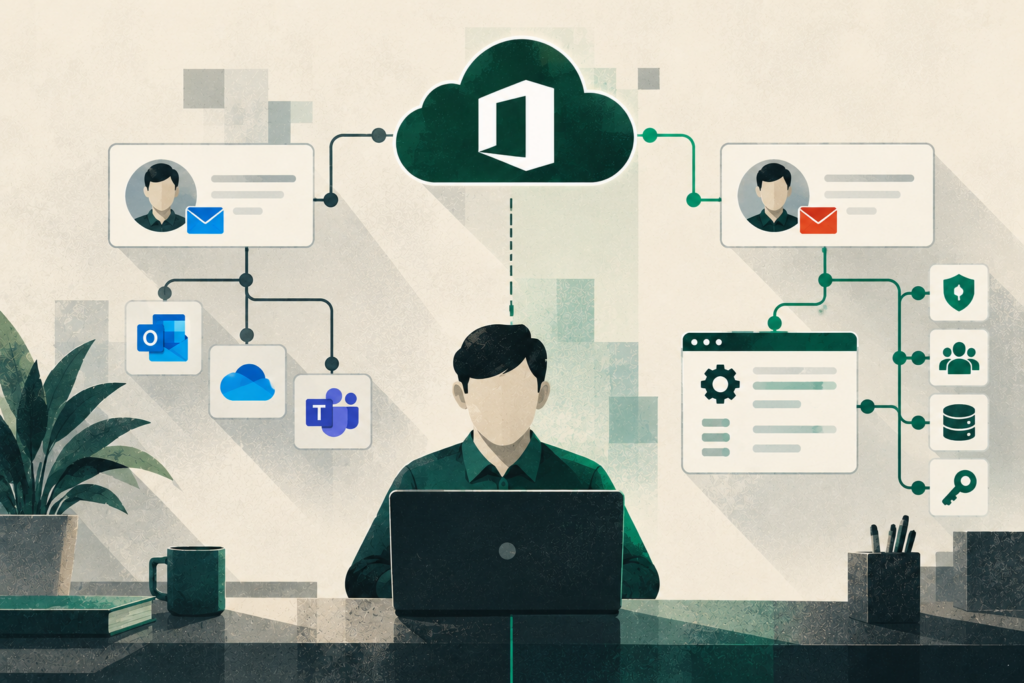
Could a Former Employee’s Account Be a Cybersecurity Risk?
For many organizations in Eugene, Springfield, and across Lane County, employee departures are viewed primarily as an HR process. Equipment gets returned, payroll is finalized, and the business moves forward. Yet one of the most important cybersecurity responsibilities often falls between departments: ensuring former employees no longer have access to company systems.
As organizations rely more heavily on Microsoft 365, cloud applications, remote work tools, and online vendor portals, identity management has become one of the most important cybersecurity controls available. User accounts now serve as the gateway to email, financial systems, client information, operational data, and business communications. When those accounts remain active after an employee leaves, organizations create unnecessary risk.
It is not always a disgruntled former employee that creates the problem. More often, inactive accounts become attractive targets for cybercriminals looking for a way into a company’s environment.
Why Offboarding Breakdowns Create Security Risk
Most business leaders assume user access is immediately removed when an employee departs. In reality, offboarding often involves several people, multiple systems, and a series of manual steps.
A departing employee may have access to:
- Microsoft 365 accounts
- Accounting platforms
- Customer relationship management systems
- Remote access tools
- Vendor portals
- Cloud storage
- Industry-specific software
- Collaboration platforms
When even one system is overlooked, a former employee’s account may remain active for months or even years.
These situations typically arise because responsibilities are not clearly defined. Human resources may notify management but not IT. Department managers may assume access removal has already been handled. Third-party service providers may never receive notice that changes are needed.
For organizations with limited administrative resources or lean IT staffing, these oversights are more common than many leaders realize.
The business impact can range from compliance concerns to significant cybersecurity incidents. If an attacker gains access to a dormant account, they may be able to access sensitive files, impersonate employees, compromise email communications, or establish a foothold for broader attacks.
Shared Accounts Complicate Accountability
Shared accounts remain surprisingly common in small and midsize organizations.
Examples include front desk logins, administrative mailboxes, vendor portals, scheduling systems, and accounting applications that multiple employees access over time.
When an employee leaves, organizations may disable their personal account while leaving shared credentials unchanged.
The challenge is accountability.
If multiple individuals know the same password, there is no reliable way to determine whether those credentials remain accessible after someone leaves the organization. Passwords may be saved in browsers, written down, stored on personal devices, or shared through informal channels.
Even when everyone acts in good faith, shared accounts increase uncertainty and reduce visibility into who accessed information and when.
For organizations subject to compliance requirements, professional confidentiality obligations, or cyber insurance requirements, shared accounts can also make security auditing significantly more difficult. Access records become less meaningful when multiple users operate under the same identity.
SaaS Applications Are Frequently Overlooked
Modern organizations use far more software than they did a decade ago.
In addition to Microsoft 365, employees often have access to dozens of Software-as-a-Service (SaaS) applications, including:
- Project management platforms
- Payroll systems
- Marketing tools
- Document management solutions
- Industry-specific software
- Vendor management portals
- Collaboration platforms
- Financial reporting applications
Many of these services are purchased directly by departments without formal IT involvement. As a result, they may not appear on software inventories or be included in standard offboarding procedures.
An employee’s Microsoft 365 account might be disabled immediately, while access to several department-managed cloud applications remains untouched.
From a risk management perspective, these orphaned accounts can be just as concerning as active email accounts. They may contain sensitive client records, internal documentation, financial information, or operational data.
As cloud adoption continues across the Willamette Valley, reviewing SaaS access has become an essential part of employee offboarding rather than an optional step.
The Role of Security Auditing
Many organizations believe their access management processes are stronger than they actually are.
The only reliable way to validate access controls is through regular security auditing and account reviews.
Periodic audits help answer critical questions:
- Which accounts remain active?
- Who has administrative privileges?
- Have employee role changes been reflected appropriately?
- Are former employees still listed in any systems?
- Which shared accounts still exist?
- Who is responsible for each business application?
These reviews often uncover inactive accounts, excessive permissions, outdated access rights, and systems that have fallen outside normal oversight.
Cybersecurity increasingly revolves around identity. Attackers understand that obtaining valid credentials is often easier than bypassing technical security controls. Firewalls, endpoint protection, and security monitoring remain important, but user access has become one of the primary areas of focus for security professionals, insurers, and regulators.
Organizations that regularly review account access are generally better positioned to identify risks before they create operational or security problems.
Building an Effective Offboarding Checklist
Reducing offboarding risk typically requires process improvements more than technology investments.
A documented and repeatable offboarding checklist should include the following:
Maintain a Complete System Inventory
Keep a current record of all platforms, applications, vendor portals, and cloud services employees may access.
Define Ownership
Clearly identify who is responsible for notifying IT, disabling accounts, recovering assets, and confirming completion.
Remove Access Promptly
Ensure user accounts are disabled or removed in accordance with company policy and applicable regulatory requirements.
Review Shared Credentials
Whenever a departing employee had access to shared accounts, update passwords and verify appropriate access rights.
Audit SaaS Applications
Confirm access has been removed from all cloud services, including applications managed outside of IT.
Preserve Business Data
Retain necessary emails, files, and records while ensuring organizational ownership of critical information.
Verify Completion
Require final review and documentation that all offboarding tasks have been completed successfully.
Consistency is often the difference between a strong offboarding process and a security gap. A checklist reduces assumptions and creates accountability across departments.
Identity Management Is a Leadership Responsibility
Many organizations still view account management as a purely technical issue. Increasingly, it is a matter of governance, risk management, and operational oversight.
Every active user account represents access to business information, client data, financial systems, or operational resources. When organizations lose track of who has access, they lose visibility into one of their most important security controls.
Business leaders should periodically review offboarding procedures, access management practices, and security auditing processes to ensure they reflect today’s cloud-driven business environment. These reviews are particularly important for organizations managing sensitive data, regulatory obligations, or cyber insurance requirements.
Emerald Technology Group helps organizations throughout Eugene, Springfield, Lane County, and the broader Willamette Valley evaluate employee offboarding processes, conduct security assessments, review Microsoft 365 account management practices, and strengthen access controls. A structured approach to identity management helps reduce risk, improve accountability, and ensure former employees no longer have access to systems they no longer need to use.
Because sometimes one forgotten account really is all it takes.
What to read next
Back to Blogs